Music Games
Browse music games on Merge Rot. Build a mix with sound-making characters, follow rhythm challenges, or try a piano game. Choose a style and start playing.
Start a game and turn on the sound to hear your mix or follow the beat.
Mix Music
Experiment with performers and sound controls to change what you hear.
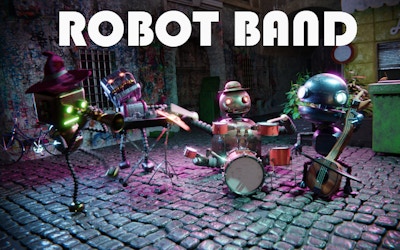

Follow the Beat
Follow the cues, time your inputs, and keep up with the track.


Piano Games
Tap the falling tiles and keep the melody going.

Choose a music game
Mixing games let you choose which sounds play together. Try a rhythm game to follow a track, or a piano tile game to tap along with a melody. Open a game above for its controls and play area.
Make your own mix
Start with one beat and let it loop a few times before you add another part. Each character contributes a sound; leaving a few spaces empty makes those parts easier to hear. Remove a performer to hear how the mix changes.
Play along with the beat
Check the controls before the track starts so you know how to respond to its musical or visual cues. If there’s an easier setting, use it to learn the pattern before increasing the difficulty. Headphones can help you pick out individual sounds.
Try a piano game
Each incoming tile shows where to click or tap next. Listen to the melody and focus on accurate taps before the pace increases. Look ahead so you’re ready for the next tile, and check the instructions for the game’s input method and how missed notes affect your run.
Before you play
Click or tap the game to start and check the volume. For keyboard games, click inside the play area so it receives your key presses. Check each game’s controls when switching between a computer and a phone.
Browse Casual Games for a change of pace, or try another character mix in Sprunkybox.
Music Games FAQ
What are music games?
Music games put sound at the center of play. You might combine loops into a mix, press keys to rhythmic cues, or tap piano tiles to follow a melody.
Do I need to know how to read music?
No. The games here use characters, visual cues, or on-screen notes to show what to do. Start with a mixing game if you want to experiment without following a score.
Why can I not hear the game?
Click or tap inside the game first, then check its sound control, the browser tab, and your device volume. Browsers can wait for an interaction before allowing audio.
Can I play these music games on a phone?
Controls differ between games. Check the individual game page before starting: some use touch or dragging, while rhythm challenges may need a physical keyboard.