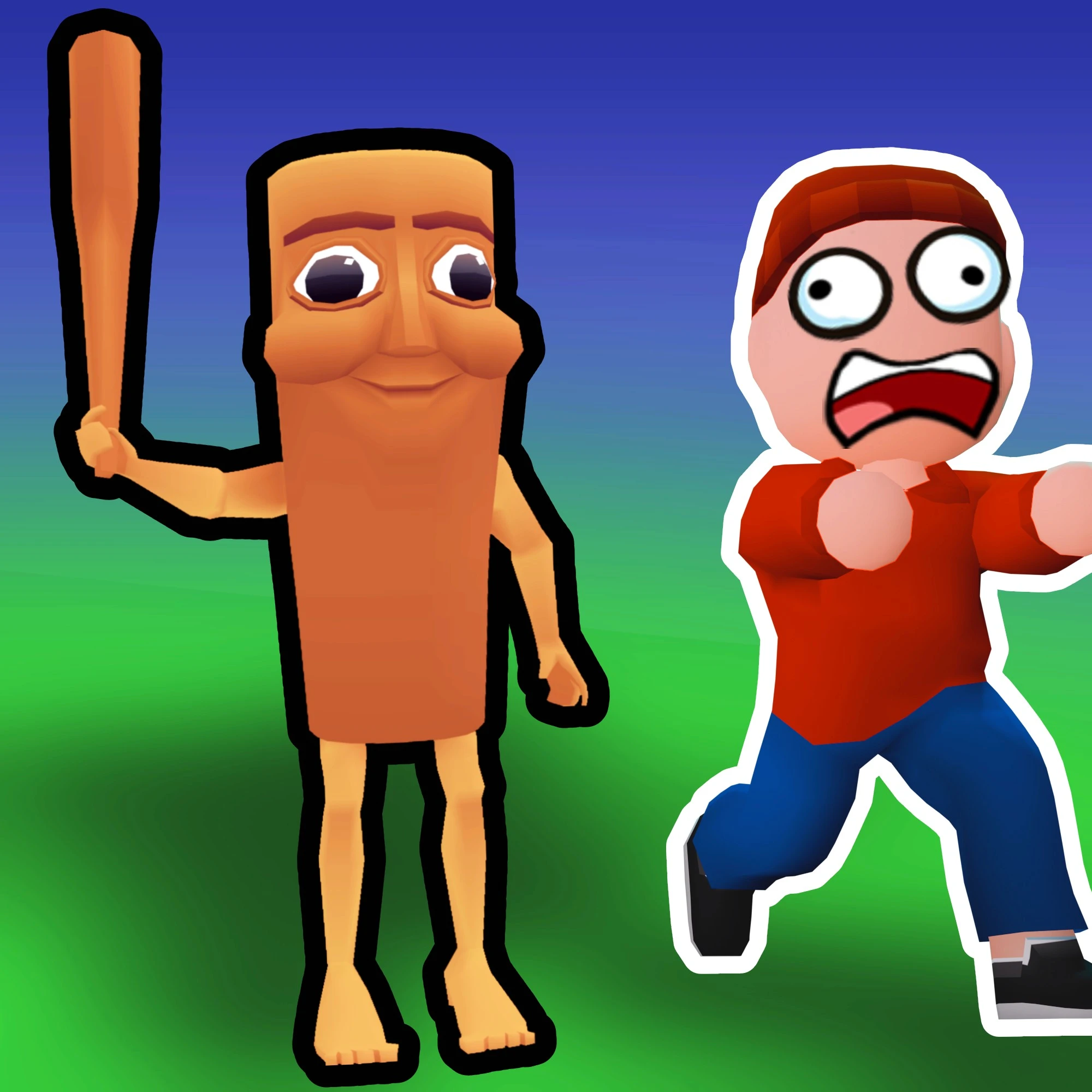




Escape From Spider
Play Escape From Spider online for free. No download, no sign-up. Complete tense escape tasks, keep moving when the spider gets close, and use coins to unlock skins or power-ups that can help your run.
Game Info
| Item | Details |
|---|---|
| Genre | 3D horror escape, multiplayer action |
| Platform | Browser, desktop, mobile, tablet |
| Play Time | Short task-based rounds |
| Price | Free |
| Controls | WASD or arrow keys, mouse UI, Enter, Escape |
| Developer | emolingo games |
| Similar To | Escape From School, light horror chase games, multiplayer obby escape games |
What Is Escape From Spider?
Escape From Spider is a browser horror escape game from emolingo games. The goal is simple to understand: finish a series of tasks and make your way to freedom before the spider turns the round into a chase you cannot recover from.
The game uses the familiar pressure of a multiplayer escape room. You are not just walking through a quiet maze. You have to keep track of objectives, watch your route, react to danger, and decide when to keep working versus when to run. Coins add a second layer because they can be used for character skins or power-ups, including options that help you or interfere with other players in the lobby.
That mix makes Escape From Spider feel more active than a point-and-click escape game. Movement, panic control, and task timing matter just as much as finding the next objective.
How To Play Escape From Spider
- Press Play and wait for the game frame to load.
- Move through the map and check what task needs to be completed next.
- Stay alert for the spider and change direction before a chase traps you in a poor route.
- Complete tasks to push the escape forward and earn coins when the round rewards them.
- Use coins carefully on skins or power-ups, depending on whether you want style, survival help, or lobby pressure.
- Reach freedom before the spider catches you or the round falls apart.
The best early goal is not speed. Learn where objectives tend to pull players, how long it takes to cross the map, and where you can safely turn away from danger. Once you know those basics, faster clears become much more realistic.
Controls
Desktop
- Move: WASD or arrow keys
- Use UI buttons: Mouse
- Emotes: Enter
- Pause: Escape
Mobile
- Move and interact: Use the on-screen controls and visible UI buttons when the mobile browser build is active.
- Best view: Landscape orientation is recommended for a wider look at routes and approaching danger.
Movement with WASD or arrow keys, mouse interaction for UI buttons, Enter for emotes, and Escape for pause. Some embedded builds may add contextual prompts inside the game frame, so follow any on-screen instruction if it appears.
Tips And Strategies
Keep A Safe Route In Mind
Before committing to a task, look for the nearest open path away from the spider. A completed task is not worth much if you corner yourself immediately afterward.
Do Not Run Straight Forever
Chase games often punish straight panic routes because they give the pursuer a clean line. If the spider is closing in, use turns, obstacles, and room transitions to break the path instead of holding one direction until you run out of space.
Split Attention Between Tasks And Sound
Task progress matters, but the spider is the real timer. If the game gives audio or visual warning cues, react early. Waiting until the spider is already on top of you usually leaves fewer escape choices.
Spend Coins For Your Current Problem
If you are surviving but losing time, a helpful power-up is more valuable than a new look. If you already understand the map and just want customization, skins become the better reward. Match coin spending to the weakness in your runs.
Use Emotes Without Losing Focus
Enter opens the emote option, which is useful in multiplayer lobbies, but do not let it distract you during a risky task. Save nonessential communication for safe moments or the start of a round.
Learn From Failed Routes
Each failed escape can still teach one useful thing: which path was too long, which objective exposed you, or where you should have turned earlier. Treat those route notes as progress.
Tasks, Coins, Power-Ups, And Game Elements
| Element | Role In Game | Player Tip |
|---|---|---|
| Spider | The main threat chasing players through unsafe areas | Keep distance early; do not wait for a full chase before changing route. |
| Tasks | Objectives required to make progress toward freedom | Clear nearby tasks first while learning the map, then optimize order later. |
| Coins | Earned during play and used for rewards | Spend on survival help before cosmetics if you are still learning. |
| Skins | Cosmetic unlocks for your character | Save for skins once your runs are consistent. |
| Power-ups | Tools that can help you or pressure other lobby players | Use them around objective moments, not after the escape attempt is already lost. |
| Emotes | Multiplayer expression triggered with Enter | Use them during safe downtime so you do not give up movement control. |
Why Players Like Escape From Spider
- The goal is clear immediately: complete tasks and escape the spider.
- Multiplayer support makes each round less predictable than a solo maze.
- Coins, skins, and power-ups give repeat runs a reason beyond simply surviving.
- The horror tone is tense without requiring a long story setup.
- Short rounds make it easy to retry after a bad route or a late chase.
More Games Like Escape From Spider
If you want another dark escape route on this site, try Tung Sahur Horror for a more direct survival horror setup.
For tense movement without the spider theme, Escape Tsunami for Brainrots turns every run into a timed return-to-base challenge. If you prefer lighter timing pressure, Wacky Steps focuses on awkward physics and careful movement. For a multiplayer-adjacent browser challenge with a different pace, Brainrot Craft offers a broader sandbox-style loop.
FAQ
Is Escape From Spider free to play online?
Yes. Escape From Spider is embedded as a free browser game, so you can play online without downloading a separate app.
What type of game is Escape From Spider?
Escape From Spider is a 3D horror escape game where players complete tasks, avoid the spider, earn coins, and try to reach freedom.
How do you control Escape From Spider?
Use WASD or the arrow keys to move. Use the mouse for UI buttons, Enter for emotes, and Escape to pause.
Can I play Escape From Spider with friends?
Yes. Public listings describe Escape From Spider as a multiplayer game, so you can play online with friends in supported lobbies.
Who created Escape From Spider?
Escape From Spider was created by emolingo games, the studio also associated with games such as Escape From School, Rainbow Obby, and Sword Masters.
Why is Escape From Spider not loading?
Refresh the page, wait a few moments for the 3D assets to load, and check whether your browser allows third-party game frames. If you are on a phone or tablet, rotate to landscape and close other heavy tabs before trying again.
Last Updated
Last updated: May 25, 2026. Game availability, iframe behavior, controls, and lobby features can change if the host updates the embedded build.