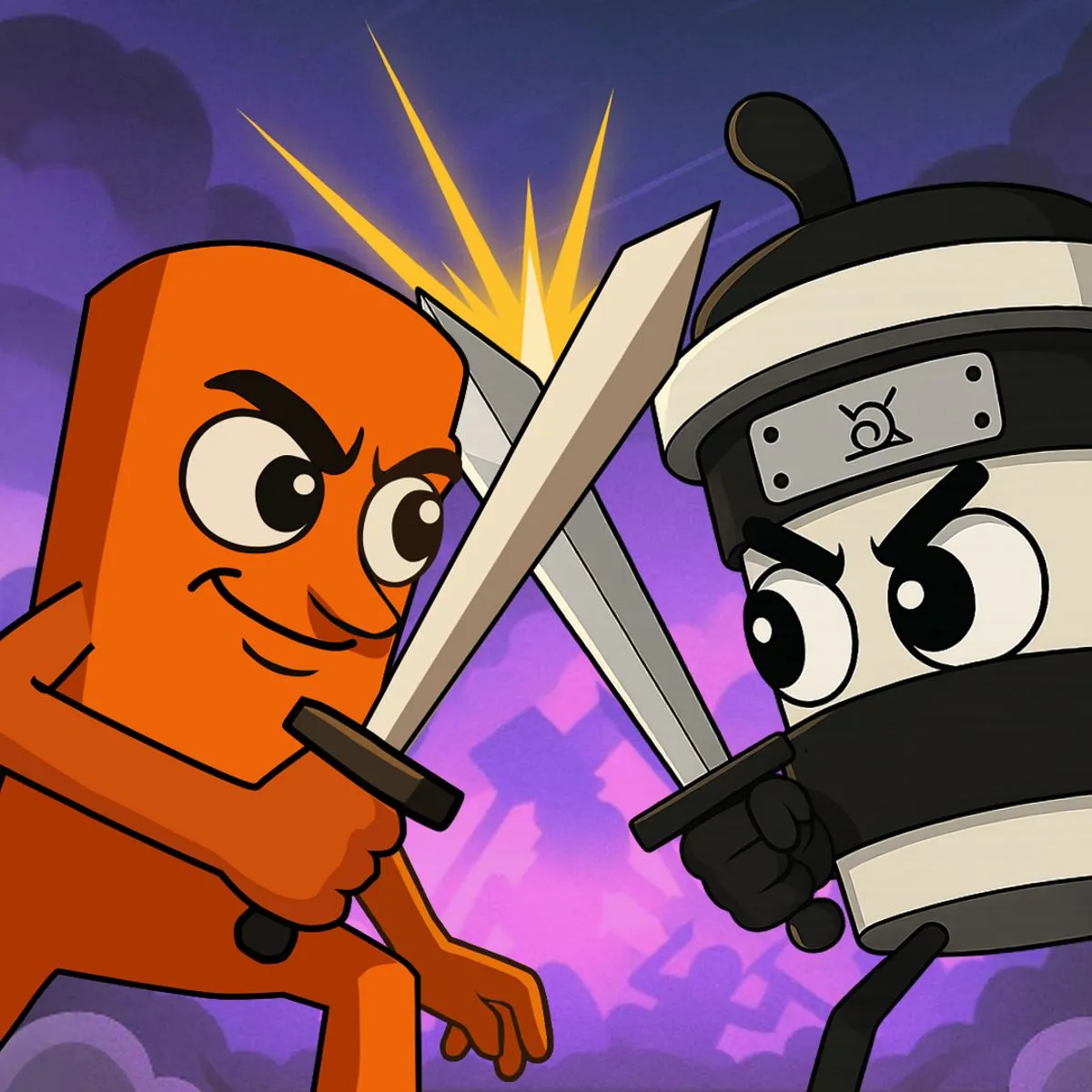





Thung Wars
Play Thung Wars online for free. No download, no sign-up. Command a brainrot army, defend your base, choose upgrades, and push through a chaotic tower battle in your browser.
Game Info
| Item | Details |
|---|---|
| Genre | Strategy, tower battle, brainrot game |
| Platform | Browser, desktop, mobile, tablet |
| Play Time | Short tactical rounds |
| Price | Free |
| Controls | Click or tap to choose units, upgrades, and skills |
| Best View | Landscape orientation, especially on mobile |
| Similar To | Tower defense games, lane battle games, meme strategy games |
What Is Thung Wars?
Thung Wars is a brainrot-themed strategy game built around tower battle decisions. Instead of directly controlling one character with movement keys, you make choices from the battlefield interface: send units, use skills, upgrade your side, and protect your own base while trying to break the enemy base.
The game is a tower battle where familiar brainrot characters clash in all-out chaos. It specifically names characters such as Tung Tung Tung Sahur, Tralalero Tralala, and Ballerina Cappuccina, while the embedded game data confirms battlefield elements such as base health, money, upgrades, skills, levels, team selection, and enemy AI.
That makes Thung Wars a better fit for strategy players than pure clicker or merge fans. The controls are simple, but each choice matters because your army, resources, and base health are all part of the same fight.
How To Play Thung Wars
- Press Play to load the battlefield.
- Choose the available unit, team, skill, or upgrade from the on-screen menu.
- Send brainrot fighters into the lane while watching your base health.
- Spend earned money on upgrades when they give your next push a stronger chance.
- Keep pressure on the enemy side until your army can overrun the opposing base.
The important habit is to treat every tap as a tactical choice. If you only spam the first option that appears, you can lose control of the lane or miss a better upgrade timing. If you wait too long, the enemy side can build pressure against your base.
Controls
Desktop
- Choose unit, skill, or upgrade: Left click
- Navigate menus: Left click
- Restart or continue: Click the visible game buttons
Mobile
- Choose unit, skill, or upgrade: Tap
- Navigate menus: Tap
- Recommended orientation: Landscape
Poki lists the control method as click or tap, and the embedded browser manifest requests landscape display. On phones, rotate the device before a serious run so the battlefield, base health, and menu buttons have more room.
Thung Wars Tips And Strategies
Watch Base Health Before Spending
The game data includes separate base health elements, which means defense is not just background decoration. If your base is under pressure, prioritize choices that stabilize the lane before spending everything on a forward push.
Upgrade When The Lane Is Stable
Upgrades are most useful when you can survive long enough to benefit from them. If enemies are already near your base, a new unit or skill may solve the immediate problem faster than a delayed upgrade.
Do Not Waste Skills On Empty Pressure
Skills can turn a fight, but they are easiest to waste when the enemy side is not committing. Save stronger options for moments when enemy units are grouped, your base is threatened, or your own army is ready to follow up.
Use Money As Momentum
Money appears as a confirmed game element, so think of it as momentum rather than a score you simply hoard. Spend enough to keep your army improving, but avoid panic spending if a single careful choice can hold the lane.
Play In Landscape On Mobile
Thung Wars is playable on phones and tablets, but the game is built for a wide battlefield. Landscape view makes it easier to read the lane, compare buttons, and avoid tapping the wrong choice during a crowded fight.
Characters And Game Elements
| Element | Role In Game | Player Tip |
|---|---|---|
| Tung Tung Tung Sahur | Featured brainrot character named in public listings and reflected in game data as TungTung elements | Use him as a central reference point for the meme army theme. |
| Tralalero Tralala | Brainrot character named in the Poki description | Expect the roster and theme to lean into recognizable Italian brainrot names. |
| Ballerina Cappuccina | Brainrot character named in the Poki description and reflected in game data as Ballerina elements | Watch how character choices affect the lane before committing to repeat picks. |
| Base Health | Your survival condition in the tower battle | Check your base before chasing offense. A strong push is useless if your side collapses first. |
| Money | Resource used around upgrades and battle choices | Spend for tempo, not just because a button is available. |
| Skills And Upgrades | Tools that change the strength of your army or immediate fight | Time them around enemy pressure and your own unit wave. |
Why Players Like Thung Wars
- It turns Italian brainrot characters into an actual strategy battle instead of a simple tap loop.
- The click-or-tap control scheme makes the game easy to start on desktop or mobile.
- Base defense, enemy pressure, money, upgrades, and skills create more decisions than a standard casual meme game.
- Short rounds make it easy to retry with a different upgrade rhythm or unit timing.
More Games Like Thung Wars
If you like the brainrot theme but want a different mechanic, try Brainrot Craft for combination discovery or Italian Brainrot 2048 for puzzle merging.
If you want more direct browser action, Tung Sahur Horror gives the same meme universe a survival-horror twist. For a lighter brainrot session, Italian Brainrot Clicker focuses on upgrades and fast tapping instead of base defense.
FAQ
Is Thung Wars free to play online?
Yes. Thung Wars is available as a free browser game, so you can start playing online without downloading a separate app.
What type of game is Thung Wars?
Thung Wars is a brainrot-themed tower battle strategy game where you defend your base, send units, make upgrades, and try to overwhelm the enemy side.
How do you control Thung Wars?
Thung Wars uses click or tap controls. On desktop, use the mouse to choose units, upgrades, and skills. On mobile, tap the same on-screen choices.
Can I play Thung Wars on mobile?
Yes. Public platform information says Thung Wars works on computers, phones, and tablets. The game manifest also requests landscape orientation, so turning your phone sideways is recommended.
Who created Thung Wars?
Poki credits Thung Wars to Peynir Games.