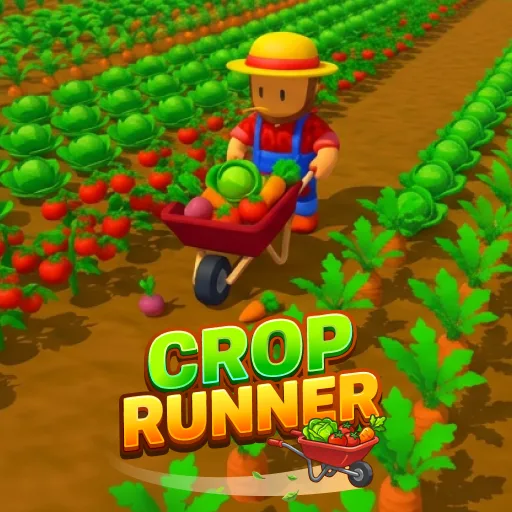




Crop Runner
Play Crop Runner online for free. No download, no sign-up. Guide a harvester through rows of crops, sell what you collect, and use the earnings to clear larger fields.
Game info
| Item | Details |
|---|---|
| Genre | Casual harvesting and farming game |
| Platform | Browser; desktop keyboard movement observed |
| Price | Free |
| Controls | Up and Left Arrow keys tested for movement |
| Main goal | Clear each field and improve the harvester |
What is Crop Runner?
You start Crop Runner with a harvesting machine and a small carrying capacity. Move through planted rows and the machine picks up crops as it passes. The progress bar at the top shows how much of the current level you have cleared; the bag counter shows how close you are to carrying capacity.
The first field is Green Meadow, Level 1. It has separate patches of crops, so you can watch the load grow as you cross a row. Once the bag is full, sell the harvest for coins and head back out. Spend the coins on speed, capacity, and size upgrades. After the field is clear, the game opens another area to harvest.
How to play Crop Runner
- Wait for the field to load. Your harvester begins near the bottom of Green Meadow.
- Move into a crop patch. Harvesting happens as the machine passes through the plants.
- Watch the bag counter on the right. In the first field, it starts at 0/150 and rises as you collect crops.
- Return to sell your load when you need more room, then continue clearing the field.
- Spend the coins you earn on speed, capacity, or size. You can visit the upgrade shop before the field is finished.
- Fill the level progress bar by collecting the crops left in the field, then continue to the next area.
Controls
Desktop
Up and Left Arrow keys moved the harvester during testing. The game shows icons and prompts for its other actions; use those on-screen instructions when you need to sell a load or open the shop.
Crop Runner tips
Keep an eye on the bag
The bag counter is visible while you harvest. Check it before heading toward a distant patch; a full load means another trip to sell before you can collect more.
Cross planted rows
Harvesting is automatic when the machine reaches crops. Steer across a patch instead of waiting at its edge, and use the progress bar to see whether there is still work in the field.
Buy capacity for fewer return trips
A larger bag lets you clear more rows between sales. If the first field sends you back to sell too often, capacity is a practical early upgrade.
Choose speed when travel takes time
Fields grow larger as you advance. Speed upgrades help with the repeated journey between crop patches and the place where you sell your load.
Upgrade before the field is empty
You do not have to finish a level to shop. When a useful upgrade becomes affordable, you can buy it and use it on the remaining crops.
Field and upgrade details
| Element | What it does |
|---|---|
| Level progress bar | Shows the share of the current field harvested. |
| Bag counter | Shows the current load against its capacity. |
| Coins | Pay for harvester upgrades. |
| Capacity upgrade | Lets the machine carry more crops. |
| Speed upgrade | Helps the machine travel through the field faster. |
| Size upgrade | Makes the harvester larger. |
More games like Crop Runner
Joy Garden also turns a harvest into money for more growing space and equipment. There you plant and tend crops instead of driving through them.
Capybara Mart has you stock a small shop, collect sales, and spend the money on a larger market.
Park Empire puts the upgrade loop in an amusement park, where earnings open more facilities and room to grow.
FAQ
Is Crop Runner free to play online?
Yes. You can play Crop Runner in your browser on this page without downloading an app.
What do you do in Crop Runner?
Move through the fields to collect crops, sell what you carry for coins, and spend those coins on upgrades. Clear the field to finish a level.
How do you move in Crop Runner?
Up and Left Arrow keys moved the harvester in the desktop test. Follow the on-screen prompts for other actions.
What happens when the storage fills up?
Return to sell the crops you have collected, then go back into the field. Capacity upgrades let you carry more before making that trip.
Which upgrades are available?
The game offers speed, storage capacity, and size upgrades. You can buy an upgrade when you have enough coins, even before the current field is cleared.
Why is Crop Runner not loading?
Give the game frame a moment to load. If it stays blank, refresh the page and check that your browser allows embedded game content.
Last updated
Last updated: November 13, 2026. Game availability and controls can change if the embedded build is updated.